.png)

Trusted by Industry Leading Agencies




Cloud Campaign Tools
>
Social Media Scheduling
>
Social Media SaaS Integration Tool - Connect All Your Platforms Instantly
TOOLS

Social Media Scheduling
Social Media SaaS Integration Tool - Connect All Your Platforms Instantly


Streamline Social Media Management
Unlock seamless creativity and amplify your brand's voice with AI-driven insights, automated scheduling, and performance analytics—tailored for creatives and agencies to elevate social media strategies effortlessly.


Trusted by Industry Leading Agencies


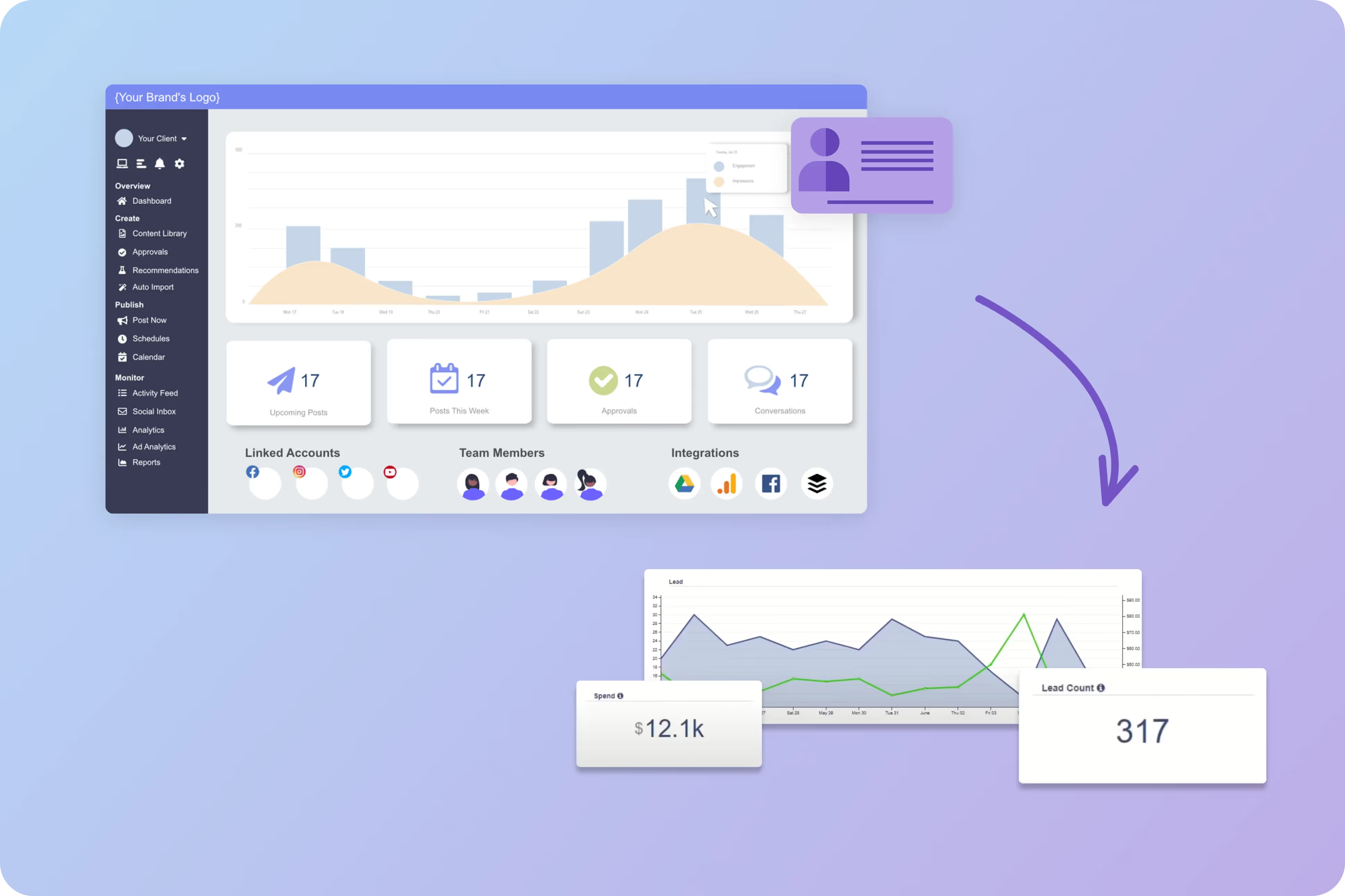

Boost Your Audience with Social Media SaaS Integration
Connect effortlessly and watch your reach grow exponentially.
Imagine having all your social media platforms working together like a well-oiled machine. With Social Media SaaS Integration, you can schedule posts, track engagement, and manage interactions from one place. This means more time to create and less time juggling multiple apps. It's the secret sauce for creators and agencies looking to expand their audience without the hassle.

We only win when you win.
Olivia F.


"Cloud Campaign - MUST USE!"
Overall I’d recommend Cloud Campaign to any freelance social media content creator/manager. Super seamless and easy to use, and the best part is clients can log in and keep track as well!
Jennifer B.
"Cloud Campaign is my new favorite tool!"
There's so much I like about Cloud Campaign! It continues to learn and adapt based on my posting routine. I also really like the Canva integration, which I use daily! It has eliminated the step of my having to download content and then upload it into the program. I also really enjoy the ease of reporting and then sharing those reports with my clients.
Josh J.

"Love Cloud Campaign!"
I love the simplicity of posting. I run an agency and always had a challenge posting for my clients or guiding them to create content calendars...I wanted them to have a simple platform so that they could post their content to multiple channels all at once.
Scheduling Social Media Posts has Never Been Easier
Cloud Campaign makes automatically scheduling content easy! In this video, we show you how to use Categories to create automatic posting engines, saving you precious time and energy during your work week.


Key Features

Centralized Management
Keeping all your social media accounts in one place saves time and effort. It’s like having a control center where you can manage everything efficiently.
.avif)
Automated Scheduling
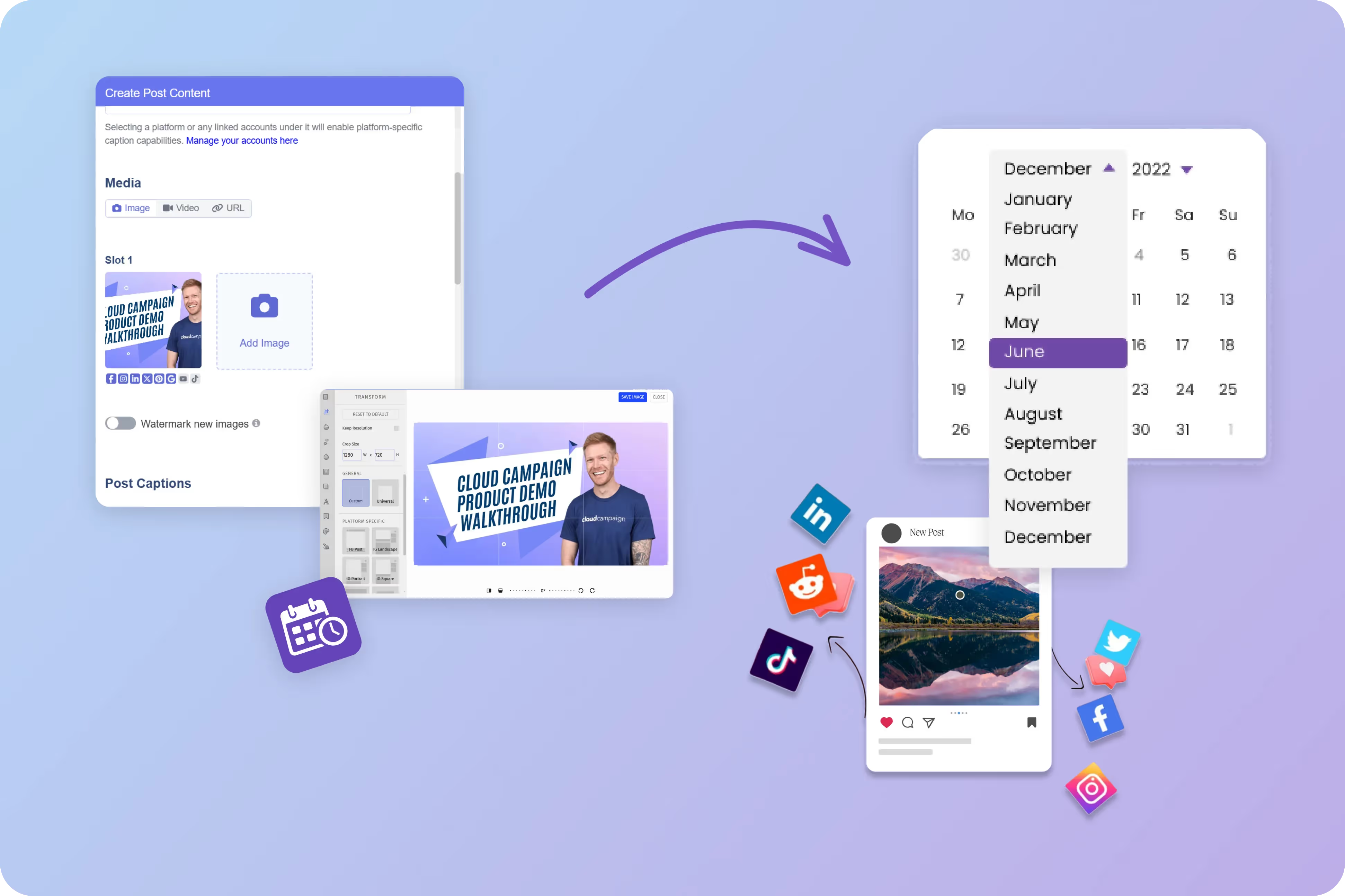
Automating your posts ensures your content goes live at the perfect time without you having to be there. It’s a great way to maintain an active online presence without constant manual effort.
Analytics and Insights
Getting clear insights into how your posts perform helps you make smarter decisions. It’s like having a personal guide to what works and what doesn’t, so you can improve your strategy.
Social Media Use Cases
.svg)
Content Creation and Scheduling
Plan and schedule posts across multiple platforms from one dashboard. This ensures consistent engagement with your audience without the hassle of logging into each platform separately.
Social Listening
Monitor mentions and keywords across social media to understand public perception. This helps in quickly addressing any issues and engaging with your community effectively.
Customer Support
Use integrated platforms to respond to customer inquiries and issues promptly. It makes managing customer relationships easier by keeping all interactions in one place.
Campaign Management
Track and manage marketing campaigns across different social media platforms. This allows for a cohesive approach and better measurement of campaign success.
Brand Monitoring
Keep tabs on your brand’s presence and reputation online. This is crucial for maintaining a positive image and quickly addressing any potential PR issues.
Influencer Collaboration
Streamline the process of working with influencers by managing communications and content approvals. This ensures a smooth collaboration and maximizes the impact of influencer partnerships.
Related Blogs
Social Media Scheduling for Agencies
Maximize your agency's efficiency by implementing social media scheduling that ensures posting consistency, enables global scalability across multiple time zones, and prevents missing important industry holidays—all while letting you sleep soundly knowing your clients' content is handled.
The Most Efficient Social Media Posting Workflow For SMMs
Transform your social media management process with this five-step workflow covering research, content creation, scheduling automation, streamlined approvals, and performance analytics that will save hours of work while maintaining strategic focus for multiple clients.
The Best Client Approval Process
Streamline your client approval workflow with an automated system that allows real-time feedback, selective approvals, and seamless mobile access—eliminating spreadsheet headaches while building stronger client relationships through transparent collaboration.
How to Scale SMM Services
Scale your social media management services by implementing automated posting strategies that maintain consistency, leverage AI content creation, create effective content calendars, and balance automation with authentic engagement to maximize efficiency without losing the human touch.
Does Scheduling Instagram Posts Affect Engagement?
Debunking the myth that scheduling Instagram posts hurts engagement, this guide explains how using scheduling platforms actually enhances your social strategy by ensuring consistency, optimizing posting times, providing valuable analytics, and streamlining workflows for better results.
How to Manage Your IG Content Calendar
Create a strategic Instagram content calendar by defining clear goals, organizing content by categories and schedules, using the right management tools, and implementing a template that tracks timelines, content types, publishing schedules, and performance metrics.

Ready to Level up your agency?
Start your free trial today.
Frequently Asked Questions