.png)


Trusted by Industry Leading Agencies







Cloud Campaign Tools
>
Social Media Content Creation
>
AI Manager for Social Media - Automate Your Content & Engagement


AI Manager for Social Media
Create, schedule, and optimize social content faster with an AI manager that streamlines workflows, boosts engagement, and helps creatives and agencies stay consistent across every platform.


Trusted by Industry Leading Agencies



Stay in Front of Your Audience Every Day
An AI manager for social media keeps your feed active, so creators and agencies can win more attention with less manual work.
When you post more often, you give people more reasons to stop, click, comment, and follow. This tool helps creators and agencies keep content going even on busy weeks, so your brand never goes quiet. That steady presence builds familiarity, and familiar brands are the ones people remember when they are ready to buy. If you want more eyes on your content without being stuck posting all day, this is a smart, sales-focused move.

We only win when you win.
Olivia F.


"Cloud Campaign - MUST USE!"
Overall I’d recommend Cloud Campaign to any freelance social media content creator/manager. Super seamless and easy to use, and the best part is clients can log in and keep track as well!
Jennifer B.
"Cloud Campaign is my new favorite tool!"
There's so much I like about Cloud Campaign! It continues to learn and adapt based on my posting routine. I also really like the Canva integration, which I use daily! It has eliminated the step of my having to download content and then upload it into the program. I also really enjoy the ease of reporting and then sharing those reports with my clients.
Josh J.

"Love Cloud Campaign!"
I love the simplicity of posting. I run an agency and always had a challenge posting for my clients or guiding them to create content calendars...I wanted them to have a simple platform so that they could post their content to multiple channels all at once.
Automate Your Content Creation Process
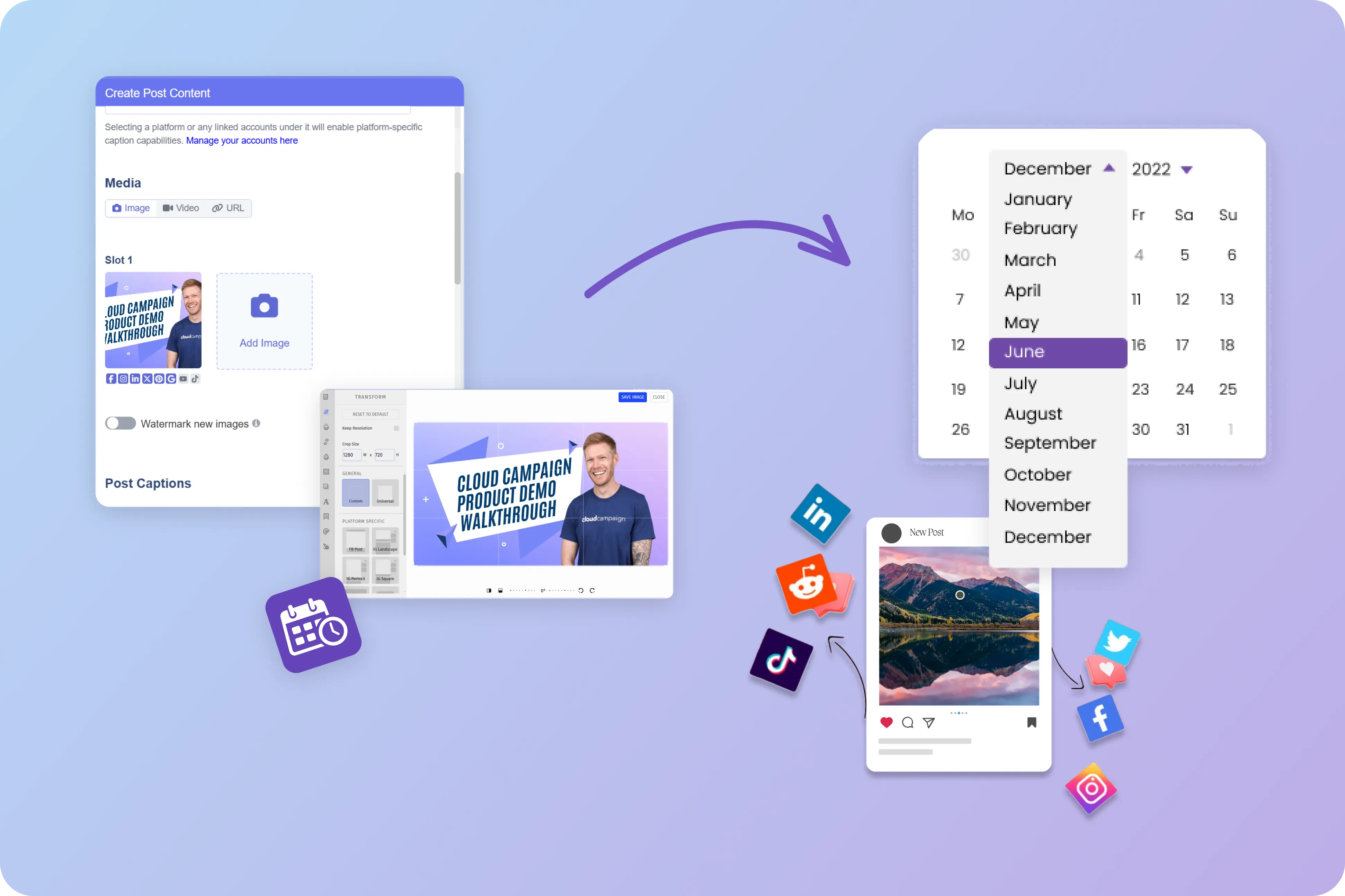
Cloud Campaign shaves hours off content creation with tools to create, curate, automate, and import content in bulk. Learn how easy it is to create content within Cloud Campaign in this short walkthrough.


Key Features

Content creation and repurposing
Users now expect the software to draft captions, suggest post ideas, and turn blogs, videos, or webinars into social-ready content. This matters because teams need a steady flow of posts without rewriting everything from scratch.
.webp)
Publishing calendar and approvals
People want one place to plan posts, recommend send times, and route content to the right reviewer before it goes live. That is valuable because it cuts manual work, reduces posting mistakes, and keeps campaigns moving.
Performance reports and audience listening
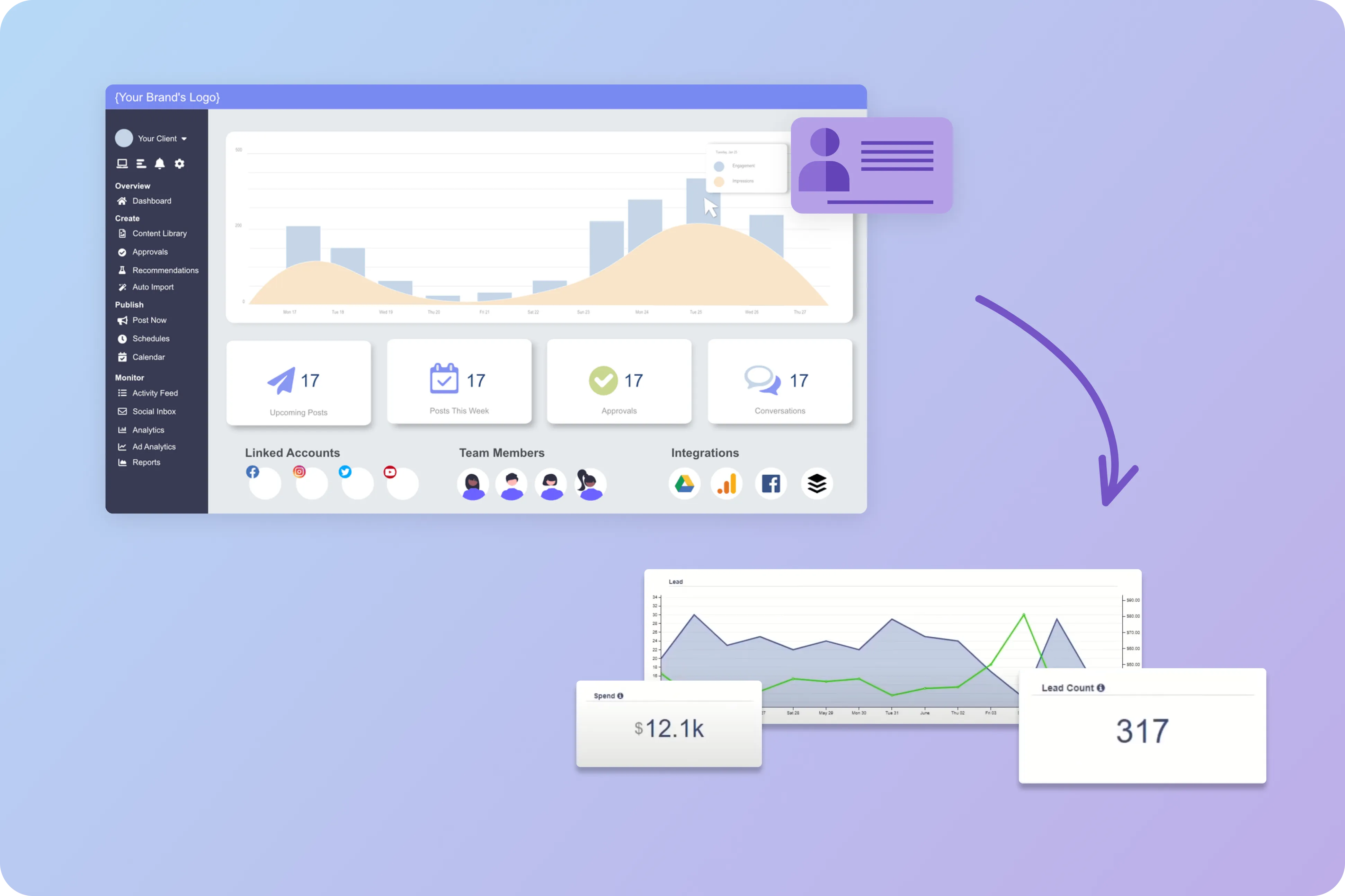
Users expect clear views of reach, engagement, clicks, sentiment, and brand mentions, along with simple suggestions on what to post more often. This helps marketers see what is connecting with their audience and where conversations are changing.
Social Media Use Cases
.svg)
Content ideation and caption writing
An AI manager can turn a campaign brief, product launch, or seasonal event into a batch of post ideas, captions, hashtags, and visual prompts. That helps teams keep the content queue full, even when they have a small staff or a tight deadline.
Repurposing long-form content for social posts
It can take blogs, webinars, podcasts, or product pages and reshape them into short posts, threads, carousel copy, and video scripts. This gives teams more mileage from content they already have and keeps messaging consistent across social accounts.
Calendar planning and posting time suggestions
Teams can use it to map weekly or monthly calendars, space out post types, and suggest the best times to publish based on past account activity. This cuts guesswork and keeps posting consistent, which is still a major factor in audience retention.
Community management and reply drafting
It can sort comments and direct messages by topic or urgency, then draft replies that match the brand's tone. This is especially useful for brands that get high message volume and need faster replies without sounding generic.
Social listening and trend spotting
The software can watch mentions, keywords, competitor activity, and emerging conversations to spot topics worth joining. This helps teams react while the topic is still fresh and avoid missing shifts in audience mood.
Performance reporting and content testing
It can summarize which posts, formats, and themes are performing best, then suggest fresh versions for A/B testing or follow-up posts. This makes reporting easier for managers and gives teams a clearer basis for content decisions.
Related Blogs
How To Use Content Pillars in your Social Strategy
Level up your social media strategy with content pillars that organize your posts into key themes, making content creation easier, more consistent, and aligned with your brand values.
Content Writing In The Era of AI
Learn how AI is transforming content writing with time-saving automation and improved quality, while understanding potential pitfalls like lack of originality, bias, and plagiarism to create a balanced approach for your marketing strategy
How to Streamline Content Creation
Accelerate your content creation workflow with powerful image editing tools and AI-generated captions that let you access royalty-free stock images, customize visuals, and craft platform-specific messaging that resonates with your audience
The Best AI Content Creation Tools
Discover top AI tools for social media managers, including text generators, image creators, video editors, and audio applications that enhance creativity, save time, and help scale your content production for multiple platforms.
Top 10 Social Media Content Ideas
Jumpstart your social media strategy with 10 proven content ideas including user-generated content, behind-the-scenes glimpses, live events, and video content that educate, entertain, and engage your audience throughout their buyer journey.
How to Fill Your Content Library
Build a robust content library by repurposing across platforms, creating multiple crops from single assets, collaborating with other creators, recycling high-performing posts, and categorizing content by themes to maintain a consistent posting schedule.

Ready to Level up your agency?
Start your free trial today.
Frequently Asked Questions