.png)


Trusted by Industry Leading Agencies







Cloud Campaign Tools
>
Reporting & Analytics
>
Brandable Social Media Dashboard - White Label Your Client Reports


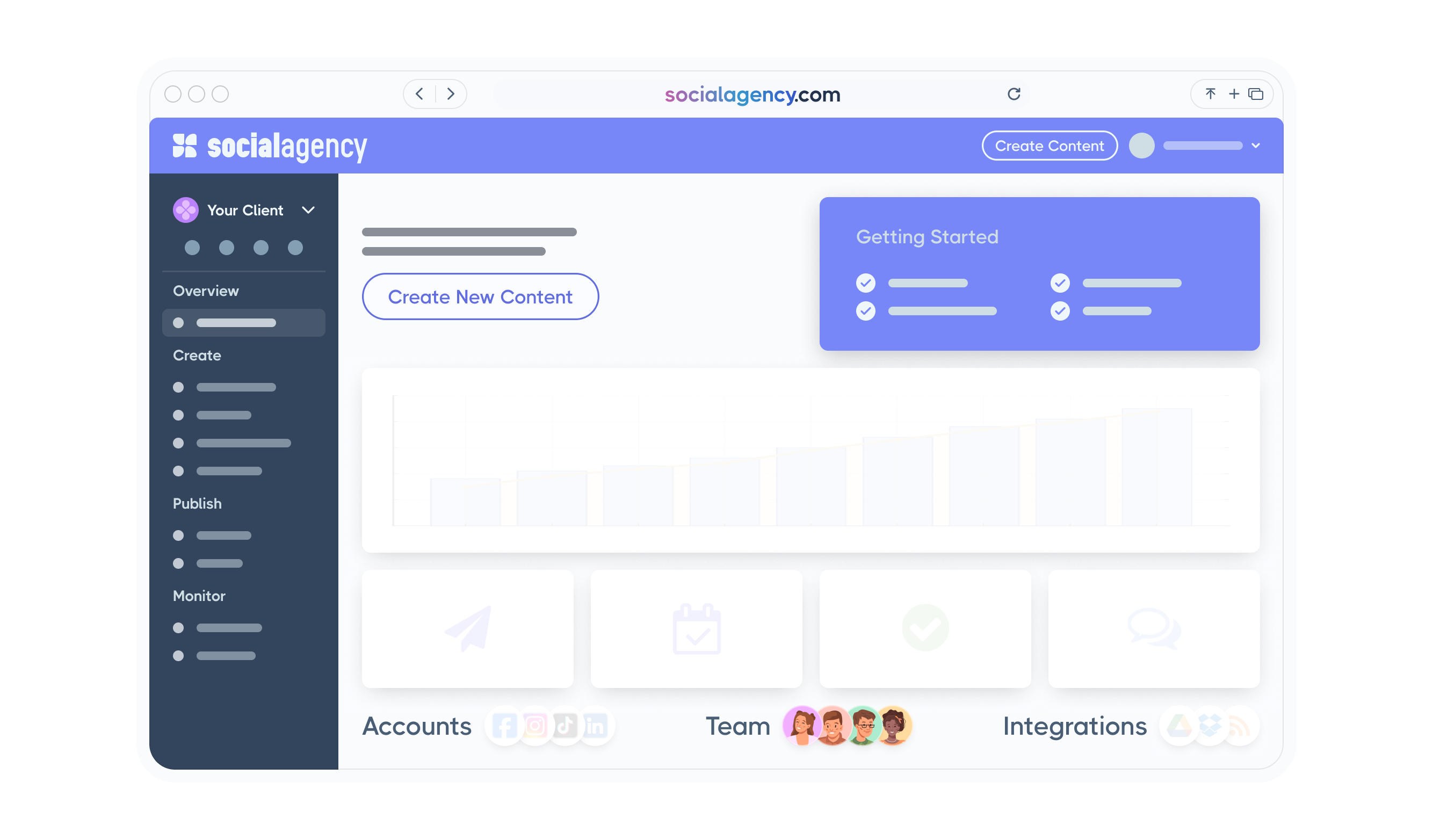
Brandable AI Dashboard for Social Media
Plan, create, and schedule brand-ready posts faster with an AI dashboard built for agencies and creatives—centralize content, streamline approvals, maintain consistency, and track performance across every social channel.


Trusted by Industry Leading Agencies



Look Like a Pro Everywhere Your Audience Sees You
A brandable social media dashboard keeps your visuals and voice consistent, so people recognize you instantly and stick around.
When every post, comment, and report matches your brand, you stop looking like “just another account” and start feeling like the go-to in your space. With a brandable social media dashboard, you can set your colors, fonts, and templates once, then publish across channels without the messy copy-paste routine. Agencies can share a client-ready workspace that feels like your own service—clean, polished, and confidence-building—so approvals move faster and trust goes up. The payoff is simple: more consistent posting, quicker replies, and a stronger presence that keeps followers engaged and helps your audience grow.

We only win when you win.
Olivia F.


"Cloud Campaign - MUST USE!"
Overall I’d recommend Cloud Campaign to any freelance social media content creator/manager. Super seamless and easy to use, and the best part is clients can log in and keep track as well!
Jennifer B.
"Cloud Campaign is my new favorite tool!"
There's so much I like about Cloud Campaign! It continues to learn and adapt based on my posting routine. I also really like the Canva integration, which I use daily! It has eliminated the step of my having to download content and then upload it into the program. I also really enjoy the ease of reporting and then sharing those reports with my clients.
Josh J.

"Love Cloud Campaign!"
I love the simplicity of posting. I run an agency and always had a challenge posting for my clients or guiding them to create content calendars...I wanted them to have a simple platform so that they could post their content to multiple channels all at once.
How easy is it to create social media reports with Cloud Campaign?
Create beautifully responsive, interactive reports that can be accessed on any device with just a few clicks!


Key Features

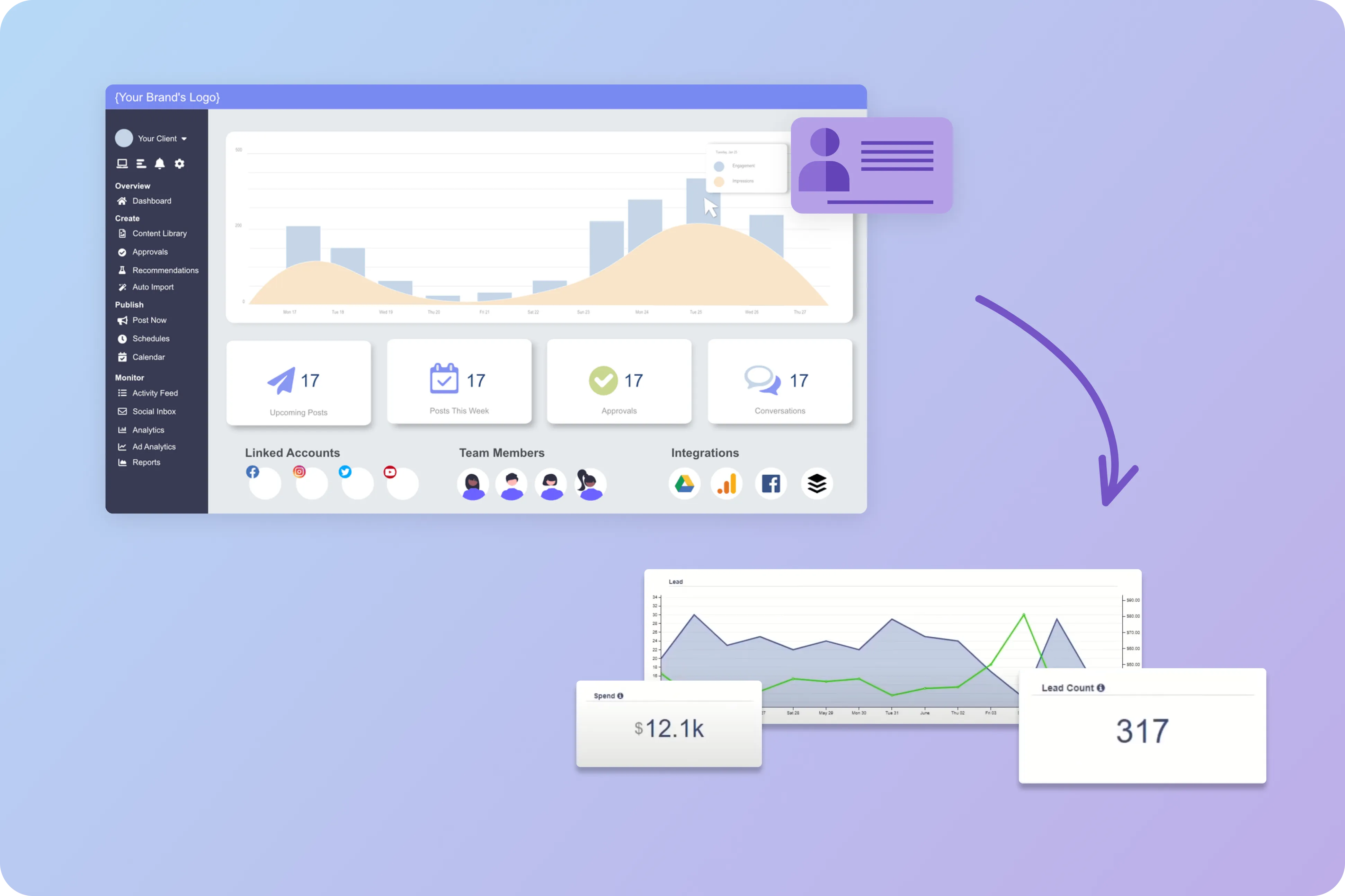
White-label branding + client access controls
You can put your logo, colors, and even a branded URL on the dashboard, then give each client a private view. It helps agencies and partners look polished while keeping accounts, permissions, and visibility clean and well managed.
.webp)
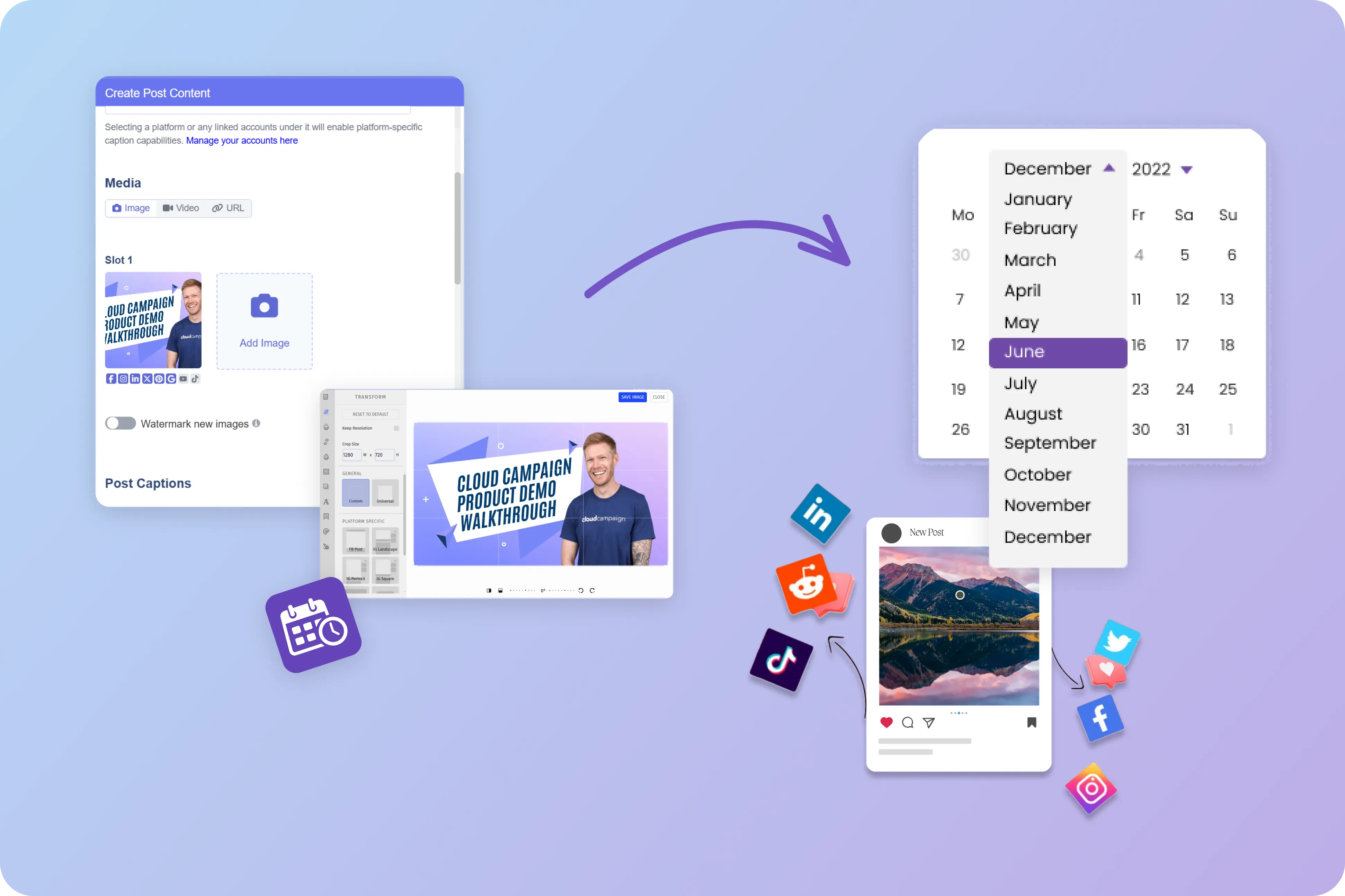
Multi-channel content planning, approvals, and publishing
You can plan posts for multiple social channels in one calendar, route drafts for approval, and reuse templates when it makes sense. That saves time, cuts down on posting mistakes, and keeps everyone aligned on what’s going out and when.
Automated reporting with clear performance summaries
The system can generate scheduled reports that pull key metrics, goals, and commentary into client-ready formats. Users value this because it reduces manual reporting work and makes it easier to explain results in plain business terms.
Social Media Use Cases
.svg)
Agency client reporting and retention
An agency can give each client a branded dashboard that shows campaign results, content performance, and progress against goals. It cuts down on status emails and helps clients feel informed between meetings.
In-house marketing team coordination
A marketing team can manage planning, approvals, and posting across product lines and regions from one place. Clear roles and history logs make it easier to stay compliant and avoid duplicate work.
Franchise and multi-location brand governance
Franchisors can provide approved post templates and brand rules while letting each location schedule local updates. Local managers get freedom to speak to their community without drifting from brand standards.
Influencer and creator campaign management
Brands can track creator deadlines, deliverables, post links, and performance metrics side by side. This makes it easier to confirm what was posted, spot gaps quickly, and follow up with partners who are behind.
Social inbox for community management and customer care
Support teams can monitor comments, mentions, and DMs across accounts and route them to the right person. Shared tags and response notes keep replies consistent and reduce missed messages during busy periods.
Executive and stakeholder KPI snapshots
Leaders can open a branded view that highlights a handful of KPIs, trend lines, and notable wins or risks. It supports faster check-ins and makes monthly or board updates easier to prepare.
Related Blogs
Social Media Reporting For Agencies
Transform your client reporting with Cloud Campaign's comprehensive guide to social media analytics, featuring actionable insights, easy-to-read metrics, and ROI tracking.
Social Media Agency Report
Discover how top-performing SMM agencies outperform competitors in Cloud Campaign's 2022 industry report, revealing key strategies in verticalization, scaling operations, client integration, and creating DIY SaaS offerings for multiple revenue streams.
Is your social content performing?
Learn how to leverage social media analytics to evaluate your content strategy, boost engagement, increase impressions, and generate meaningful ROI metrics that showcase your value to clients.
Beginner's Guide to SaaS Software Integration
Discover how SaaS software integration can enhance your product offering, eliminate context switching, improve data flow, simplify reporting and analytics, and create a competitive advantage.
When to Use Organic vs. Paid Social Media
Master the balance between organic and paid social media strategies with this guide to maximizing your marketing impact through centralized scheduling, streamlined collaboration, and data-driven performance insights.
Effective Strategies for Agency SMM
Elevate your agency's social media management with strategic insights on tailoring client strategies, creating engaging content, leveraging analytics, managing crises, and selecting the right tools to streamline operations and drive measurable results.

Ready to Level up your agency?
Start your free trial today.
Frequently Asked Questions